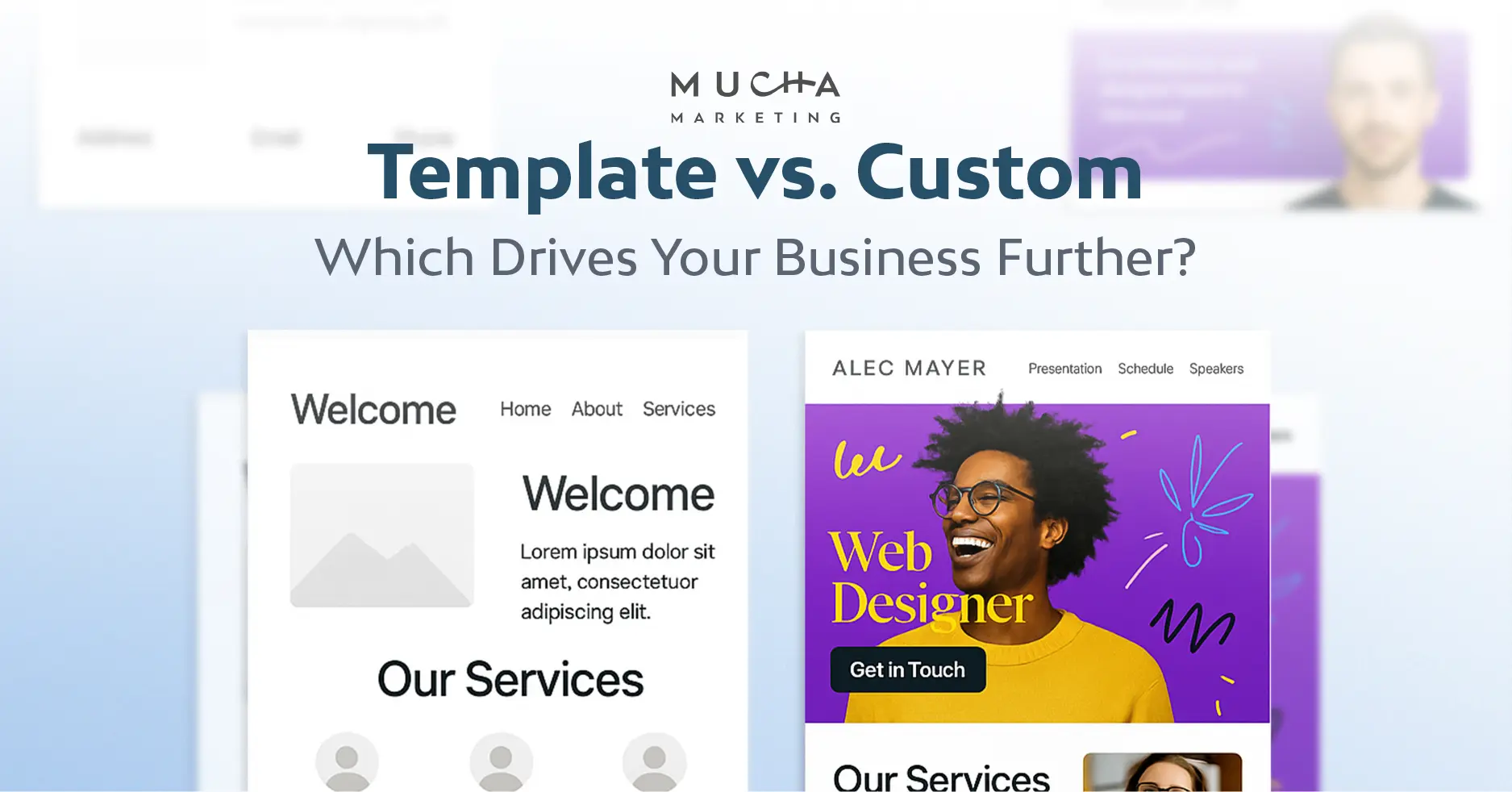
Choose the smallest build that handles your real content and daily tasks. A template usually suits a starter service website. A tailored design on a content management system suits pages that staff update, such as location pages. Custom development makes sense when an essential workflow rule fails in supported tools.
Start with what the site needs to do. Then ask each provider to show how your content, staff edits or customer workflow will work in practice.
Which build fits your situation?
Choose a goal to see what to build and what to test.
I need a four-page site with an enquiry form
Start with a maintained template
Submit the enquiry form on a phone and confirm the message reaches the inbox your team checks.
My staff need to edit pages for several locations
Choose a tailored WordPress design
Ask a staff member to update one location's hours on a demo or staging site. Confirm the change displays correctly on mobile.
I need live rental availability and bookings
Test a supported booking tool first
List the rental items, booking rules and payment steps you need. Test them in a supported tool before pricing custom code.
What’s the difference between the three approaches?
WordPress is a content management system that stores pages and posts and gives you an editor. A theme supplies the design, while plugins can add functions such as forms or bookings.
A page template is a layout that several pages can share. Editing that layout can change every page using it. With a block theme you can edit templates in the Site Editor. Other themes and page builders handle layouts differently, so ask the provider to show where page content and shared design are edited.
How to test your choice before you commit
Ask for a demo or a test copy of the site. Bring real text, photos and customer scenarios so you can see how each approach works for your business.
Template test for a starter service site
Ask for one service page and the contact page built with your real headings, paragraphs and photos. Open them on a phone, then move through the menu, links and form using only the Tab, Shift+Tab and Enter keys. A visible focus outline should show where you are at every step.
Submit the form with a required field left blank, then submit it correctly. The error should say what to fix, and the correct enquiry should reach the inbox you named.
Decision. Use the template if your real content fits the screen, you can use the controls by keyboard and the enquiry arrives. If the demo is missing copy or the form goes to the wrong inbox, fix those issues before judging the layout.
Tailored build test for staff-edited location pages
Use the same WordPress permissions your staff will have after launch. Change one location’s hours on the test site, then check the other location pages and footer. If they share the same hours intentionally, check that the change appears in the right places.
Have the designer show a regular page edit and a shared layout edit. Ask who can publish each and how staff can undo a mistake.
Decision. Choose this setup if staff can update the right page without help or unintended changes elsewhere. Ask the designer to adjust the editing setup if routine edits are difficult.
Workflow test before scoping custom work
List the rules for a real rental. Try two customers requesting the same slot, then test a failed payment and a cancellation. Check whether staff approve the request before payment, when an email goes out and when the slot becomes available again.
A booking and its related payment order can have different statuses. Ask the provider to show what staff see in both records when a booking is pending, paid or cancelled.
Decision. Use a supported tool if it handles every essential rule. If it fails a rule that matters, such as preventing double bookings, write down the failure and get a quote for that part of the workflow.
How to compare website quotes
Send every provider the same sample brief so the quotes describe the same job. Then compare the answers line by line, keeping the one-time build price separate from year-one recurring charges and later renewals.
- One-time cost and renewals
- List the build price separately from hosting, domain, premium theme or plugin licences and support plans. Ask which charges recur, how often, and what each costs at renewal.
- Pages and distinct layouts
- Ask for both counts. A quote for five pages using two shared layouts can involve less design work than a quote for five unique layouts.
- Real content and who supplies it
- Confirm who writes, edits or imports the copy and photos. Ask whether the price assumes final content arrives by a set date.
- Testing and support
- Ask exactly what is tested before launch, such as forms, phone layouts and keyboard navigation. Ask what support covers after launch and for how long.
- Extra pages and revisions
- Before work starts, get the price or approval step in writing for an added page, an extra revision round and a change after sign-off.
Open a sample brief to send to web designers
We are a small service business requesting quotes for a new website. We need four pages (Home, Services, About and Contact) and one enquiry form that sends to our office email. The owner needs to edit text and photos after launch. Please tell us how many distinct layouts you would use, who writes or imports the copy and photos, what you test before launch and what support you offer afterwards. Please also list the one-time price, every recurring charge with its renewal amount, and the cost or approval step for extra pages or revisions.
Mucha’s New WordPress website package starts at CAD $1,900 for a one-time build. It includes four core pages, two rounds of revisions, a branded mobile-friendly layout, one enquiry form, page titles and descriptions, and a handover walkthrough.
If you choose the starting package and our optional CAD $275 annual hosting, those two items total CAD $2,175 in year one, before taxes, domain fees and any extras. The hosting fee renews annually. Ask for a quote for your exact scope.
What to check at launch and handover
Agree which of these checks the provider will run, who signs off and what happens if a check fails. Check the test site first, then repeat the critical tests after launch.
Content, forms and search basics
Check every page on a phone and with a keyboard, using the final copy and images. Click each link, open the menu and submit each form once with an error and once correctly, then confirm the message arrives.
Check each page’s descriptive title, heading and the links that lead to it. Before launch, review any password or indexing setting used on the test site. After launch, check that the intended public pages are accessible to visitors and search engines.
Moving from an existing site
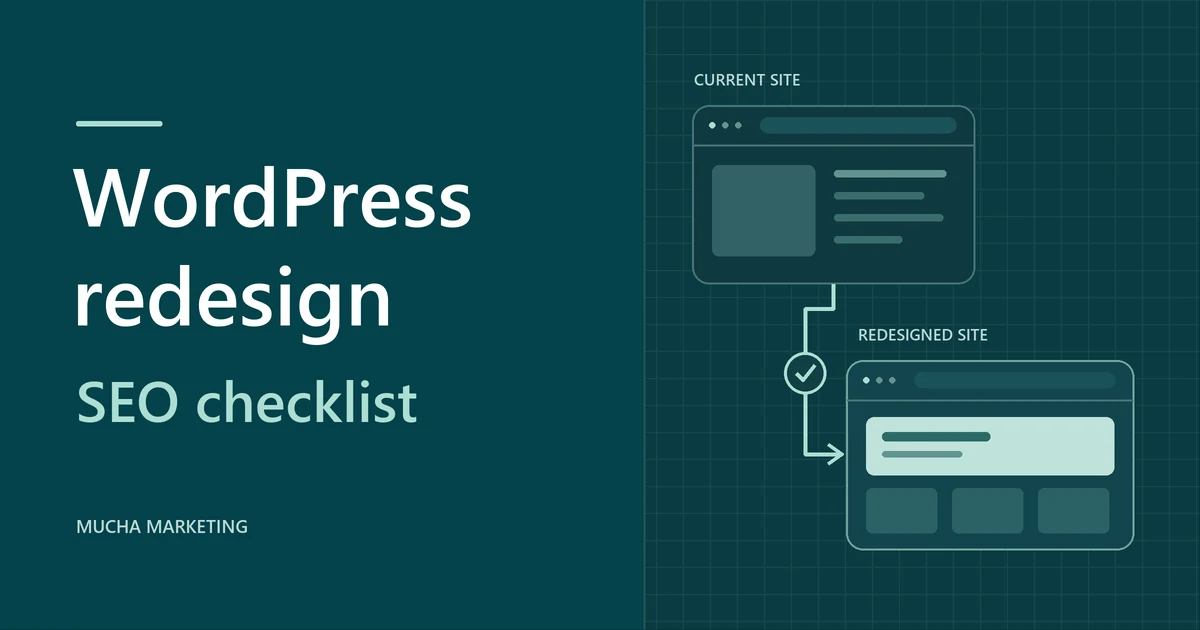
If you are replacing a site, list the addresses that matter most, such as pages that bring enquiries or have links from other sites. Keep those addresses where possible. When one must change, map it to the closest equivalent page, for example an old /our-services.html page to the new /services/ page.
Use a direct permanent redirect for each mapped address, without chaining through other redirects. After launch, test the old addresses and internal links and confirm the new pages can be indexed. Migration is its own scope item, so ask whether your quote includes it.
Access, licences and restoration
Confirm your business has the account access it needs for the domain, site administration and hosting, where applicable. Ask who pays for licences, when they renew and who handles updates.
Have someone on your team make an edit during handover. Ask how a backup is restored and who is responsible for it. WordPress content export can move pages and posts. A restorable backup also needs the database and site files, including uploads, themes and plugins.
Website design FAQs
What does "custom" actually mean in a quote?
The word can describe custom design on an existing theme, custom layouts or newly written code. Each has a different cost and maintenance load. Ask the provider to label every line as theme setup, design work, plugin or integration, or new code before you compare prices.
Can a template-based site do well in search?
Yes. A template can support search visibility when search engines can reach the pages and visitors get useful answers. Give each service page a descriptive title, explain the service clearly and link to it from relevant pages and navigation.
Can we switch themes later without rebuilding?
Standard WordPress pages and posts generally stay in the database. The layout, menus and builder elements may display differently. Back up the site, try the change on a test copy, and check your important pages and forms before switching the live site.
Is a small refresh enough instead of a new site?
It may be. If your current site already handles real content on a phone, works by keyboard, delivers enquiries and lets staff edit, copy and photo updates or a WordPress redesign could be enough. Run the template test on your current site before requesting rebuild quotes.
What can we take to another provider?
Ask which content, files, settings and licences you can take. For WordPress, confirm you can get a database and files backup if you plan to move the whole site. Check the registrar and administrative contact for your domain separately. A hosted builder’s export options depend on the platform.
What should we bring to a workflow demo?
Bring your written rules, two or three real customer scenarios and the awkward cases, such as a late cancellation. Bring the staff member who will run the workflow day to day. Send the scenarios a few days ahead and ask the provider to run them live.